User Feedback
- Desktop (16)
- Tablet (2)
- Mobile (1)

406. Fixed Bottom-Right Chat Bubble
Offers always-available, AI-powered guidance and support through a fixed bottom-right chat

403. File Upload and Background Loader
Users can easily upload files or paste URLs, receiving clear visual feedback and background loading indicators for a seamless experience.

397. Modal w/ Card Options
This modal presents users with clear, card-based options to initiate a task, guiding them efficiently through initial decision-making.

388. Drag & Drop and Checkbox to Select Multiple Item
Users can efficiently organize multiple items by dragging and dropping them into a target category, enhancing content management and task completion.
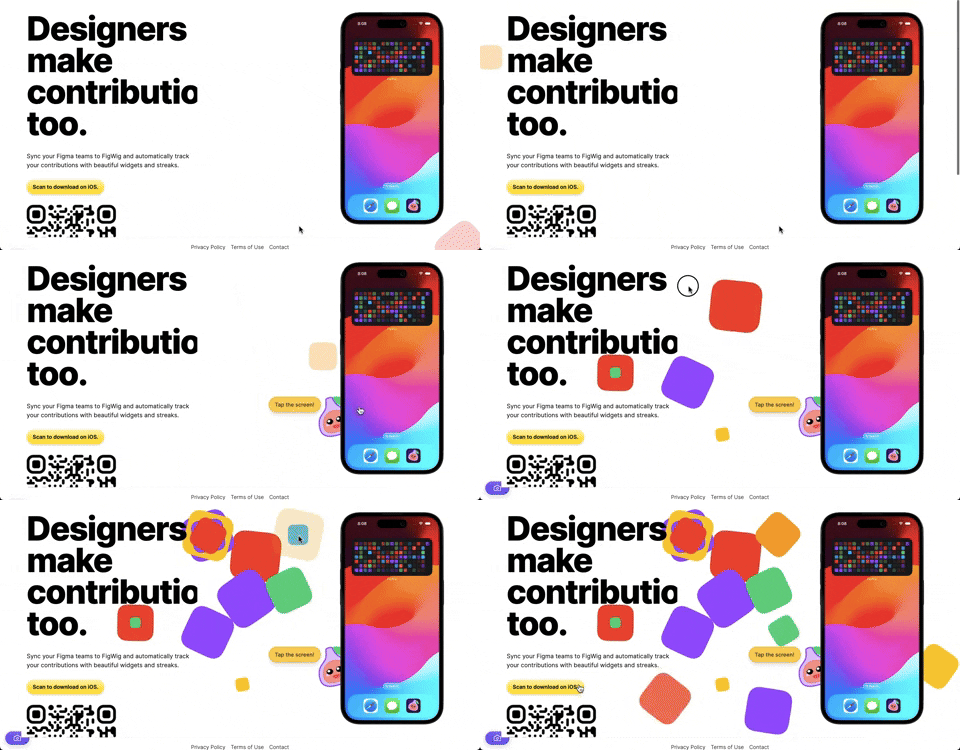
382. Interactive Background Animation
This pattern uses subtle, interactive background animations to engage users and provide dynamic visual feedback as they scroll or interact with the page.
354. Figma - Floating Form with Steps
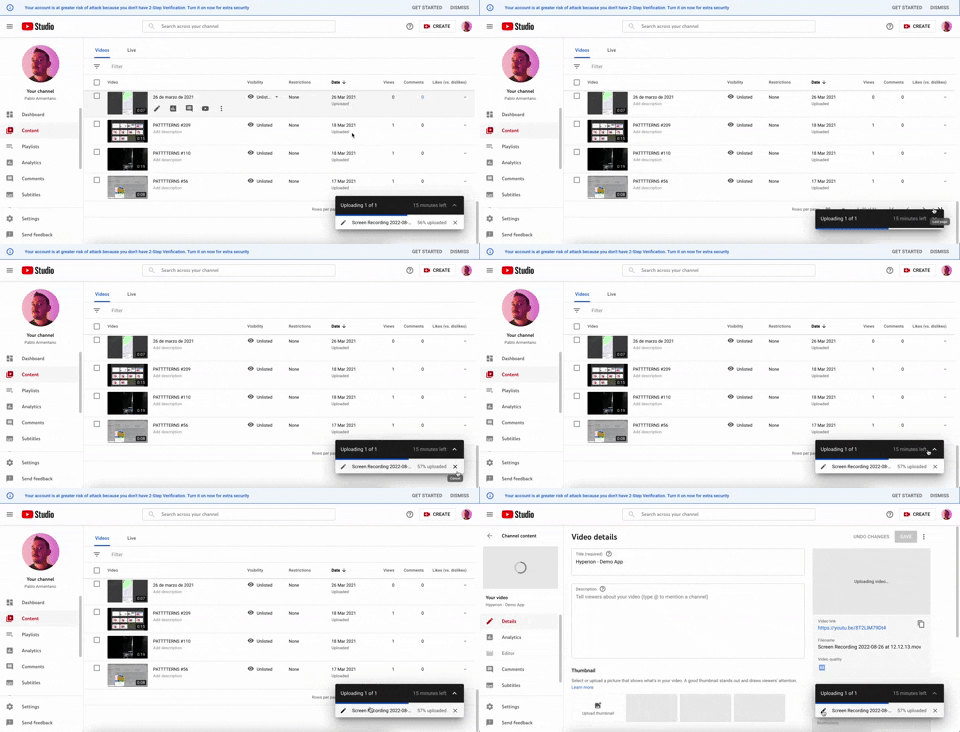
347. YouTube - Floating Progress Bar
This floating progress bar provides persistent, non-intrusive feedback on background tasks, allowing users to monitor progress while continuing other work.

Uink Digital Agency
Specilist on building and launching digital products. Let's talk!
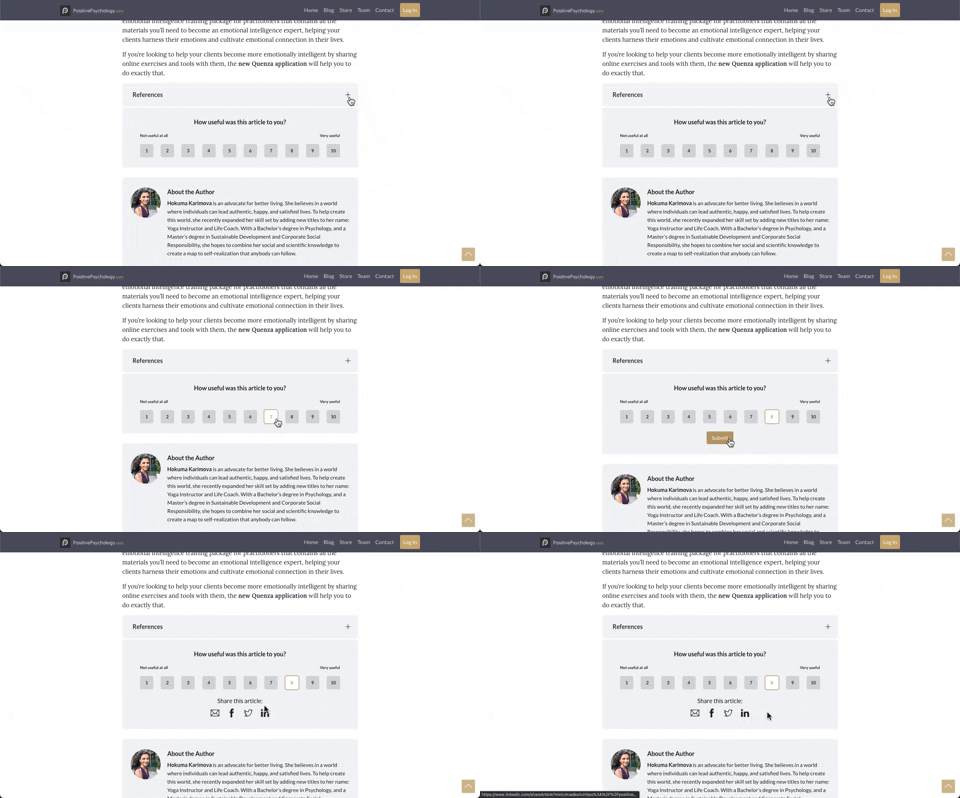
330. PositivePsychology - Article User Feedback
Users can quickly rate an article's usefulness on a 1-10 scale, providing immediate feedback to improve content quality and relevance.
299. Fixed Corner Popup with Steps
A multi-step popup positioned in a fixed corner of the screen, typically on desktop web, designed to guide users through a sequence of actions or provide progressive information, often for feedback or awareness purposes. Notable behavior: Step Navigation; Dismissal; Active Step.
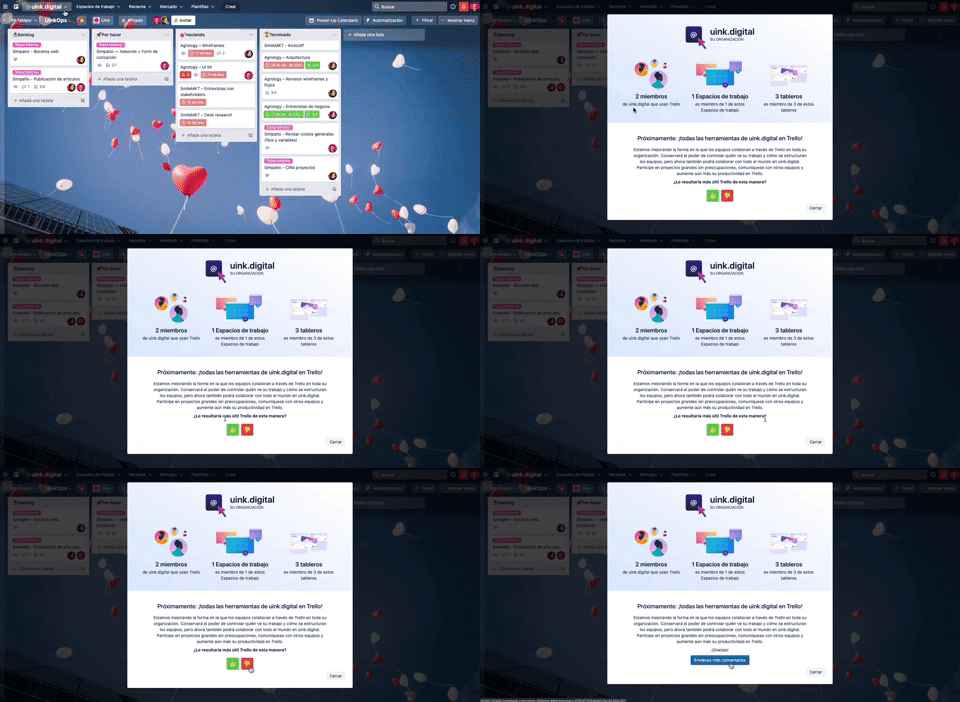
297. Thumbs Up/Down
Users can quickly express approval or disapproval for content, providing immediate feedback that helps prioritize or refine items.

8. Adobe - In-App NPS Survey
This pattern describes an in-app Net Promoter Score (NPS) survey, designed to collect user feedback directly within a desktop application. It typically appears as a modal dialog, prompting users to rate their experience and optionally provide comments. Notable behavior: Rating Selection; Text Input; Initial State.

32. Mailchimp - Makes me feel
This feedback form allows users to express their overall sentiment and provide detailed suggestions for improvement, fostering a direct channel for product enhancement.

116. User Feedback on Web Content
This pattern allows users to provide feedback on web content, enabling them to report issues or suggest improvements directly within the interface.
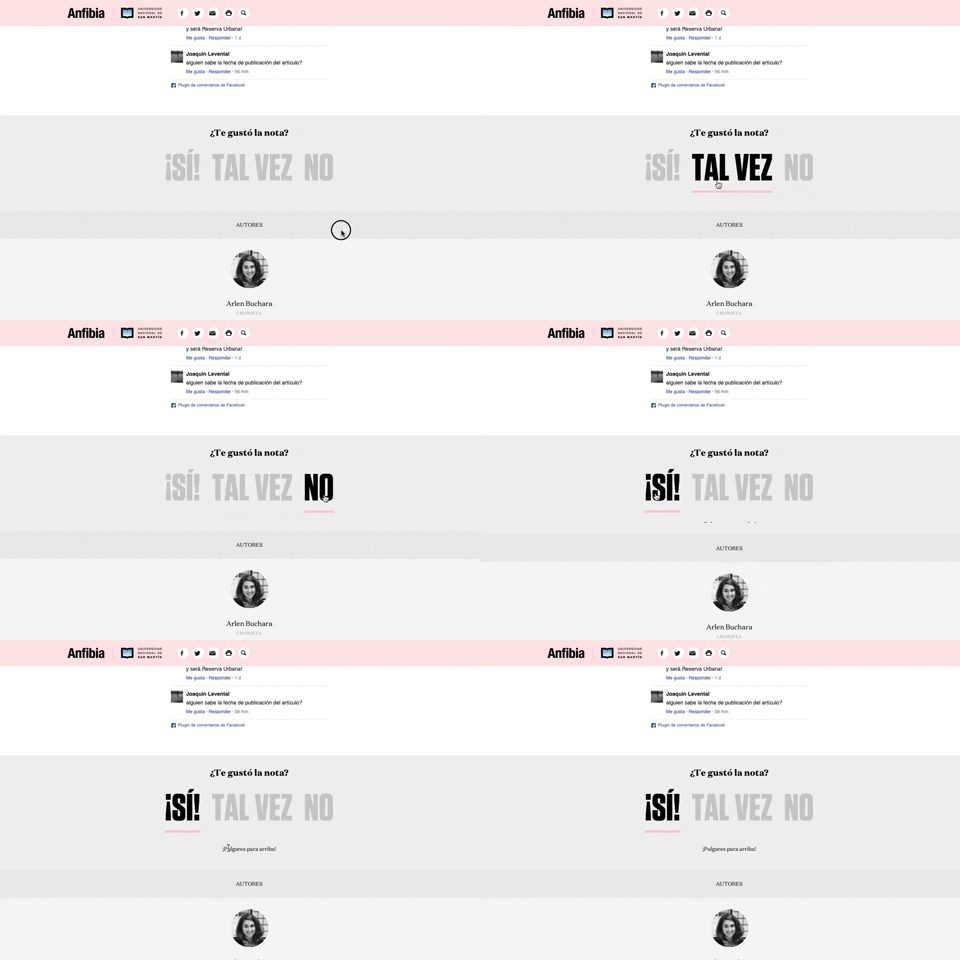
168. Anfibia - Natural Article Rating
This pattern allows users to quickly rate an article with a natural language choice, providing immediate feedback and enhancing content engagement.
170. Figma - Fixed Form with Steps
A multi-step form pattern designed to guide users through a sequential input process, where the form content maintains a fixed position on the screen.

11. Intercom - Likert in chat
This pattern allows users to quickly rate a conversation using a Likert scale of emoji faces, providing immediate feedback within the chat interface.