


Modals
Modals are best used to display a temporal status over the current information, best used to show detailed information or generate awareness of new features.

- Desktop (18)
- Tablet (0)
- Mobile (0)

397. Modal with Card Options
View Pattern

389. Text Edit Inline Input
View Pattern

378. Modal Blackout with Animation
View Pattern
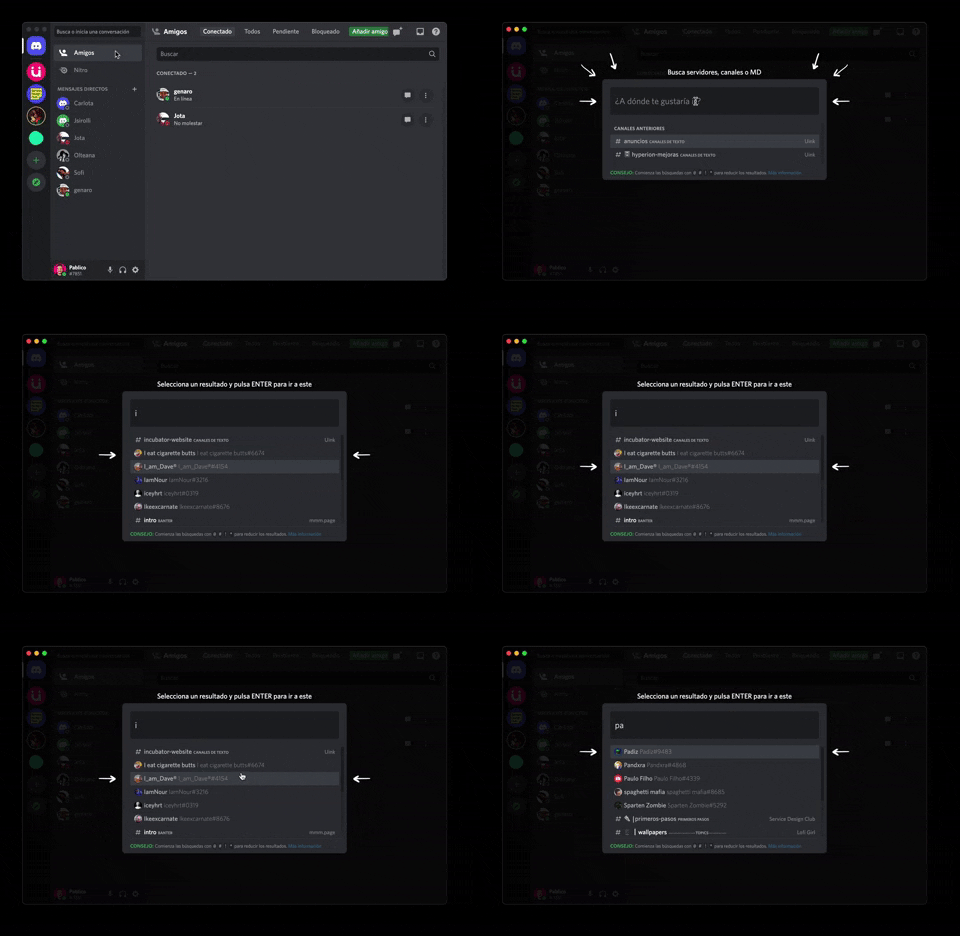
362. Modal Blackout with Form & Animations
View Pattern
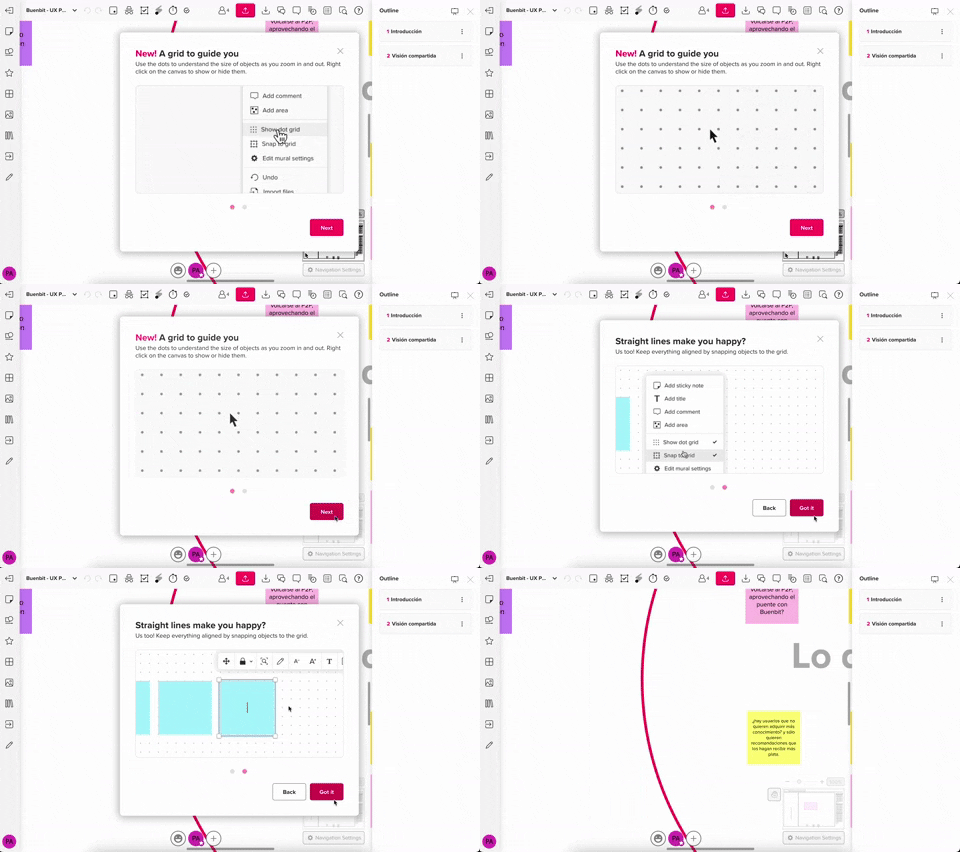
357. Modal with Steps (No blackout)
View Pattern
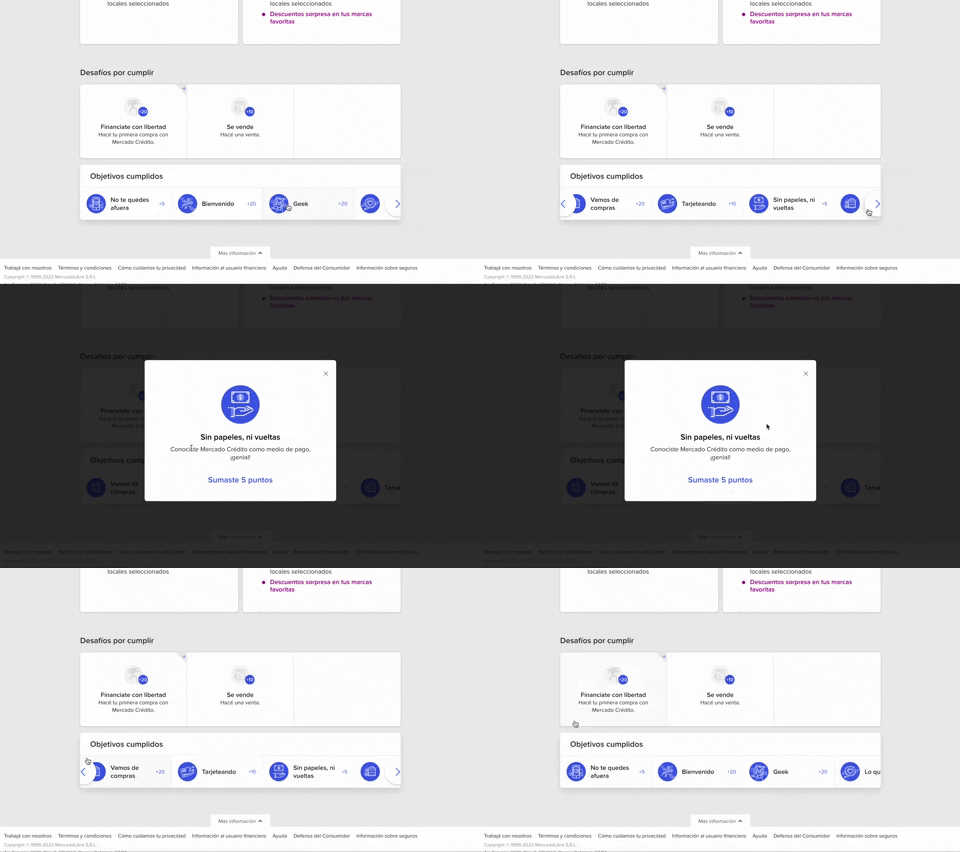
344. MercadoLibre - Horizontal Item Slider
View Pattern
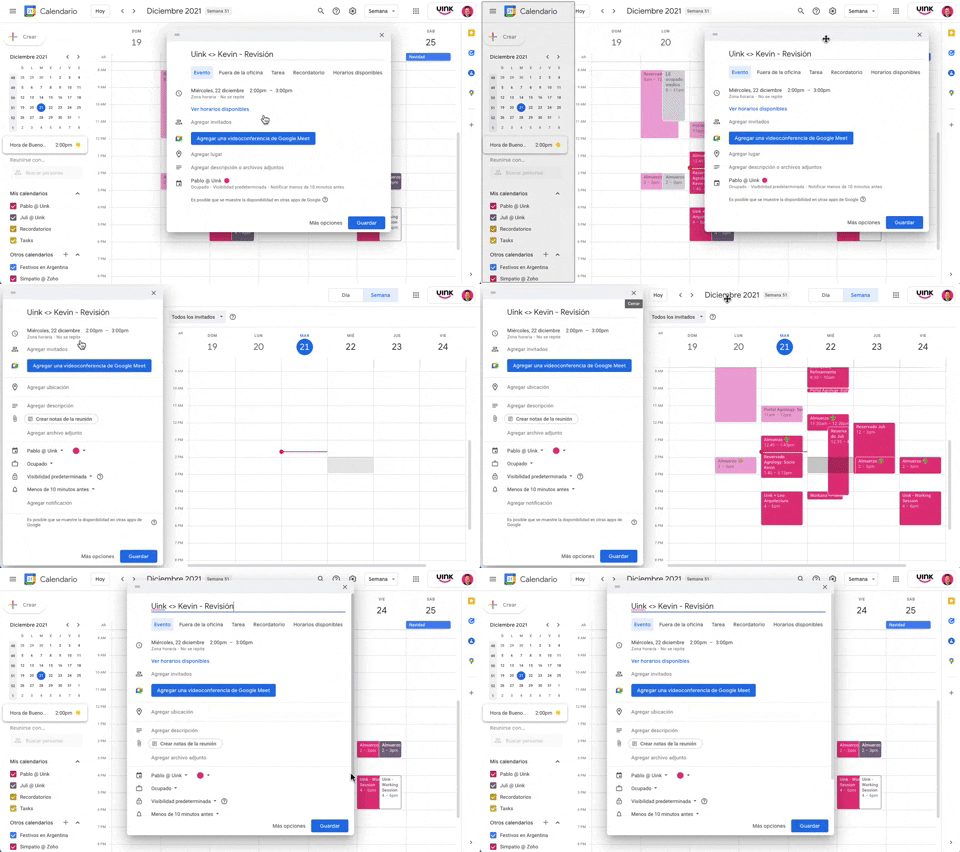
343. Modal Drag & Drop to Fixed Position
View Pattern
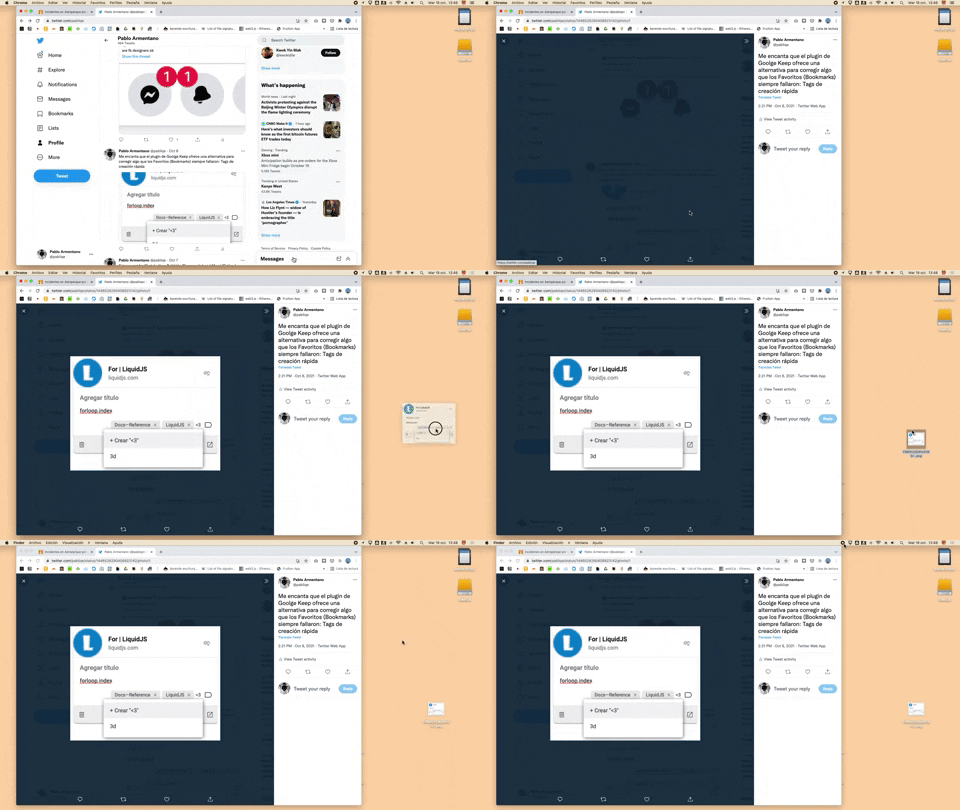
332. Apple - Drag&Drop Browser File to Desktop
View Pattern
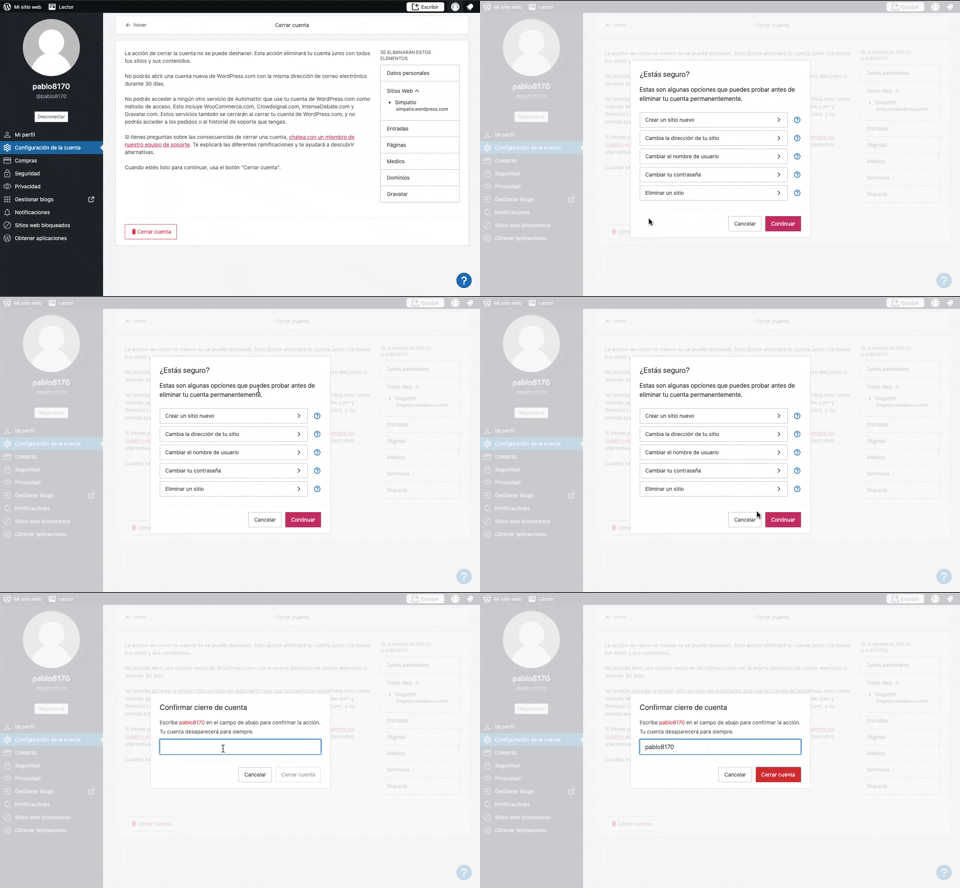
319. Wordpress - Delete Confirmation with Name
View Pattern
No preview
315. Signal - PIN Reminder
View Pattern
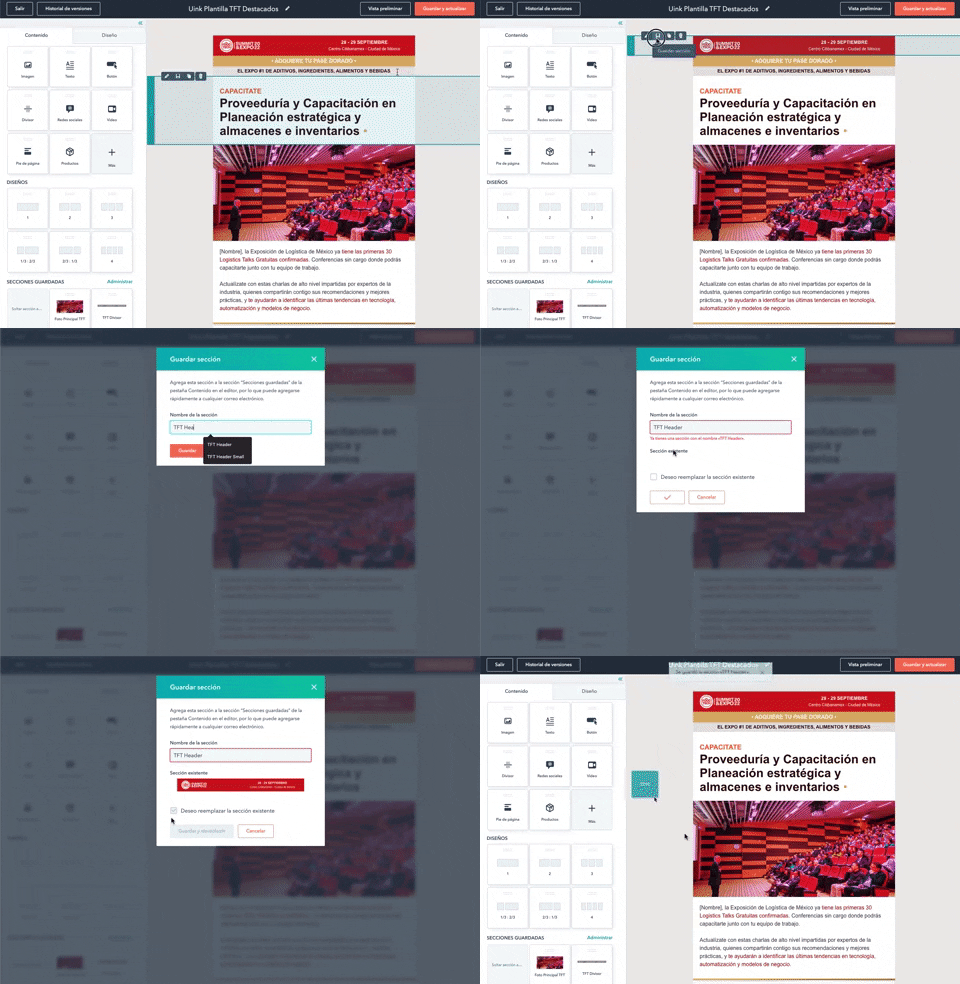
310. HubSpot - Checkbox Confirmation
View Pattern
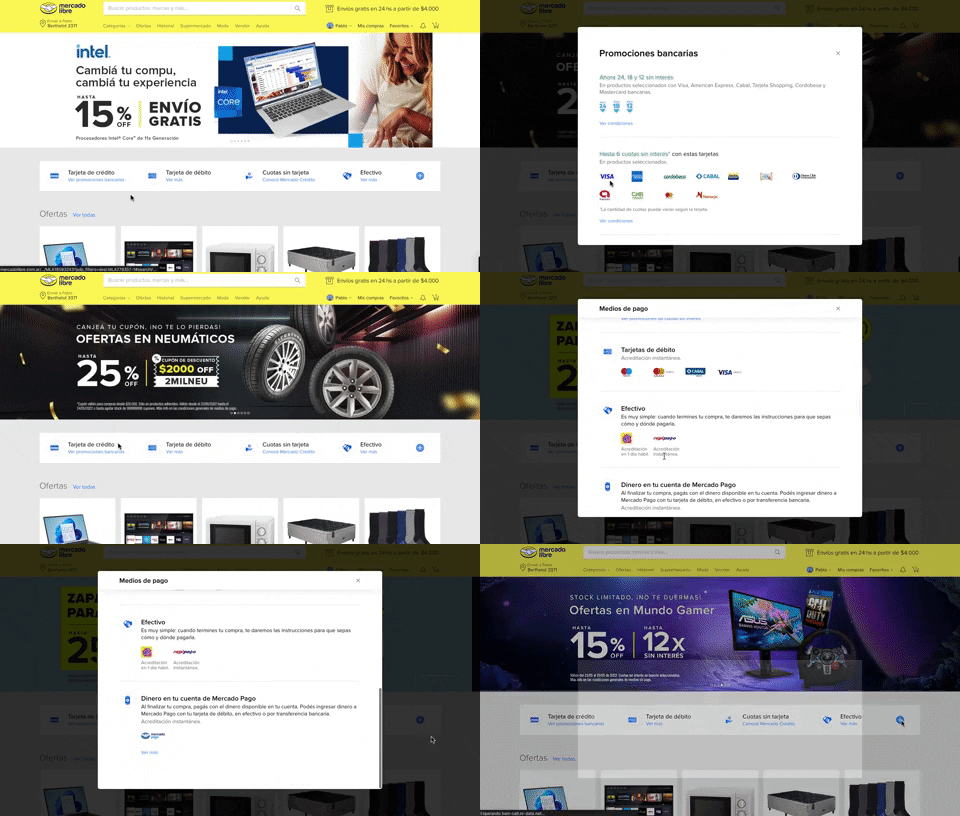
313. Modal Blackout with Scroll
View Pattern

268. GIPHY - Alert on Drag & Drop
View Pattern
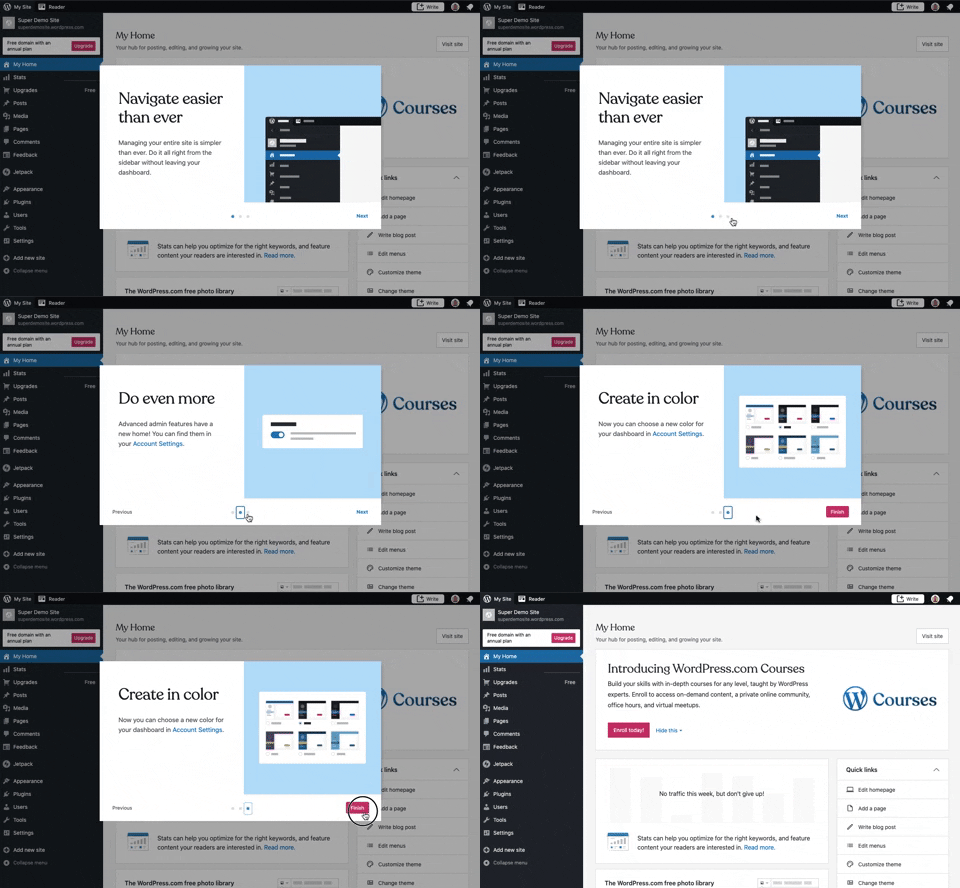
241. Modal Blackout with Steps
View Pattern
_02.02.36_p._m..png%3Ftable%3Dblock%26id%3D24681dec-adbd-471d-b343-26d29402fa0c%26cache%3Dv2&w=3840&q=75)
95. Delete Confirmation with Name
View Pattern

201. Modal Blackout with Actions
View Pattern

166. Confetti Explosion
View Pattern

188. Trello - Color shapes for Colour-blind
View Pattern